Export History
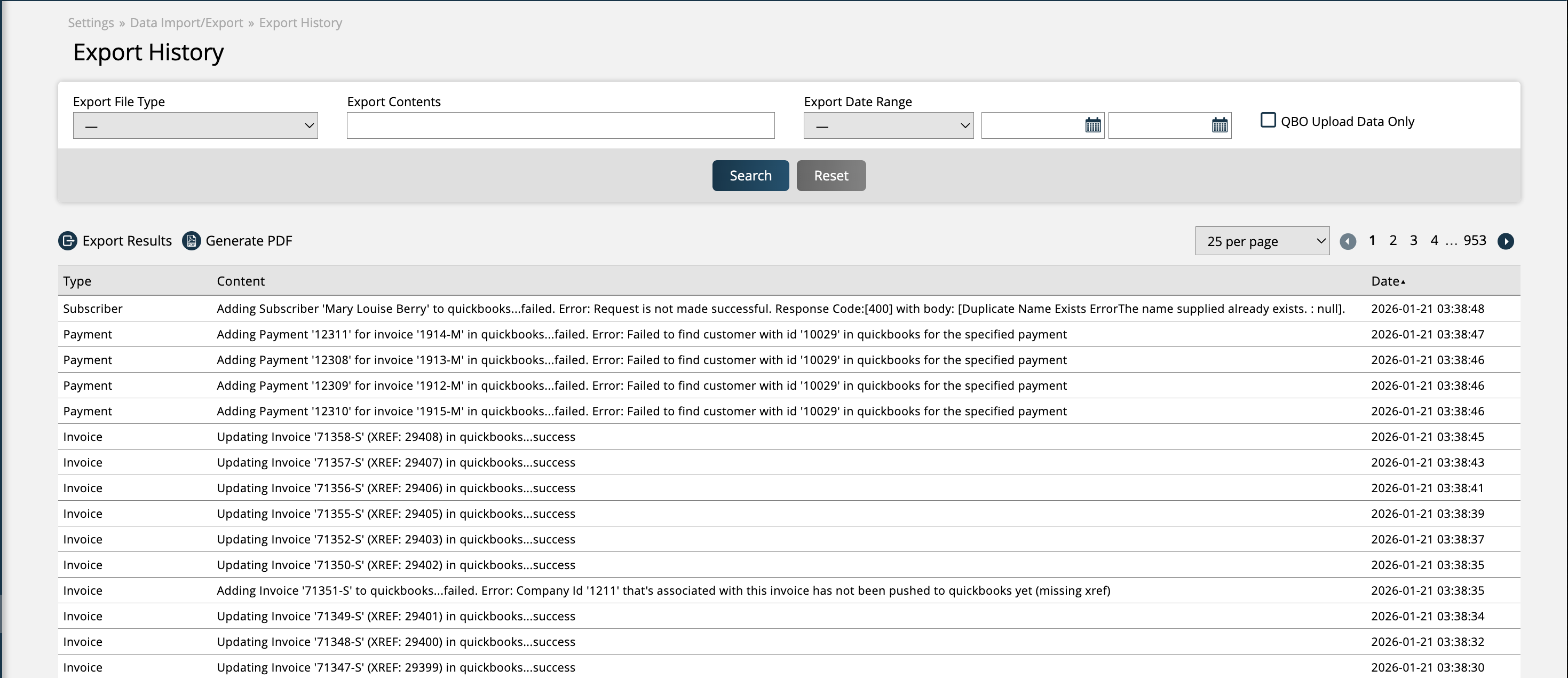
The Export History page, found by going to Settings > Data Import/Export > Export History, provides data about items exported from your Ad Orbit account to your system integrations.
To access the page, you need the User Permission 'Export Generation & History'.
There are basic search filters to narrow down the results, including export file type (such as SendMyAd and Omeda Contact List), content, and date range.
Each record shows the export type, the content of what was exported, as well as when the record was created. The Export History page is helpful for tracking items that have been pushed to a connected system integration. For example, you can see that an asset was successfully pushed to the SendMyAd integration, or that an invoice failed to export to QBO and why it failed.
New 1/21/2026