User Groups
The main purpose of User Groups within Ad Orbit are to simplify searching and reporting.
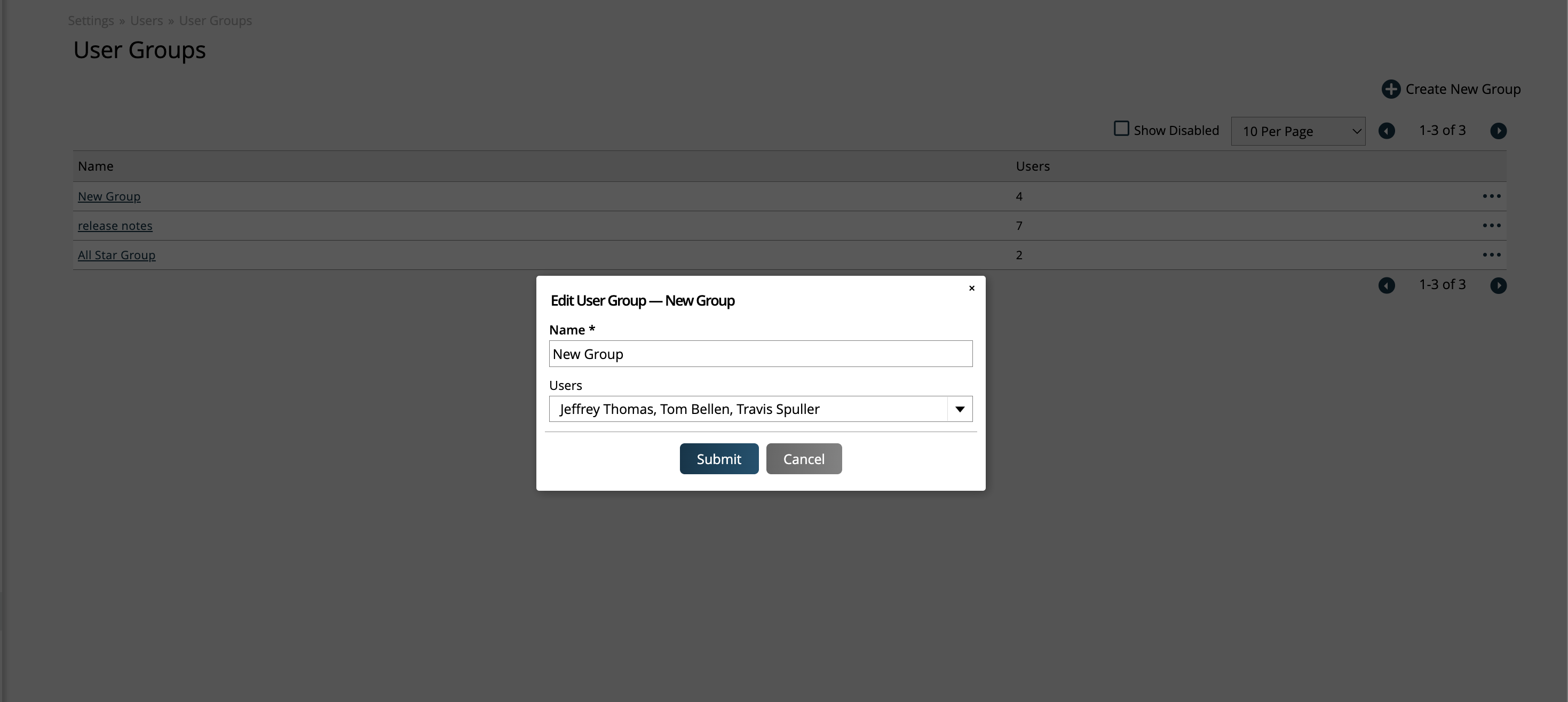
To set up and manage User Groups, go to Settings > Users > User Groups. To access this page, you need the User Permission 'User Groups'.
Click the +Create New Group button in the upper right corner of the page to create a new User Group, or use the ellipses icon on the right side of the table to edit an existing group.
Each group simply requires a name, then you can add users to the group. Users can be in multiple groups.
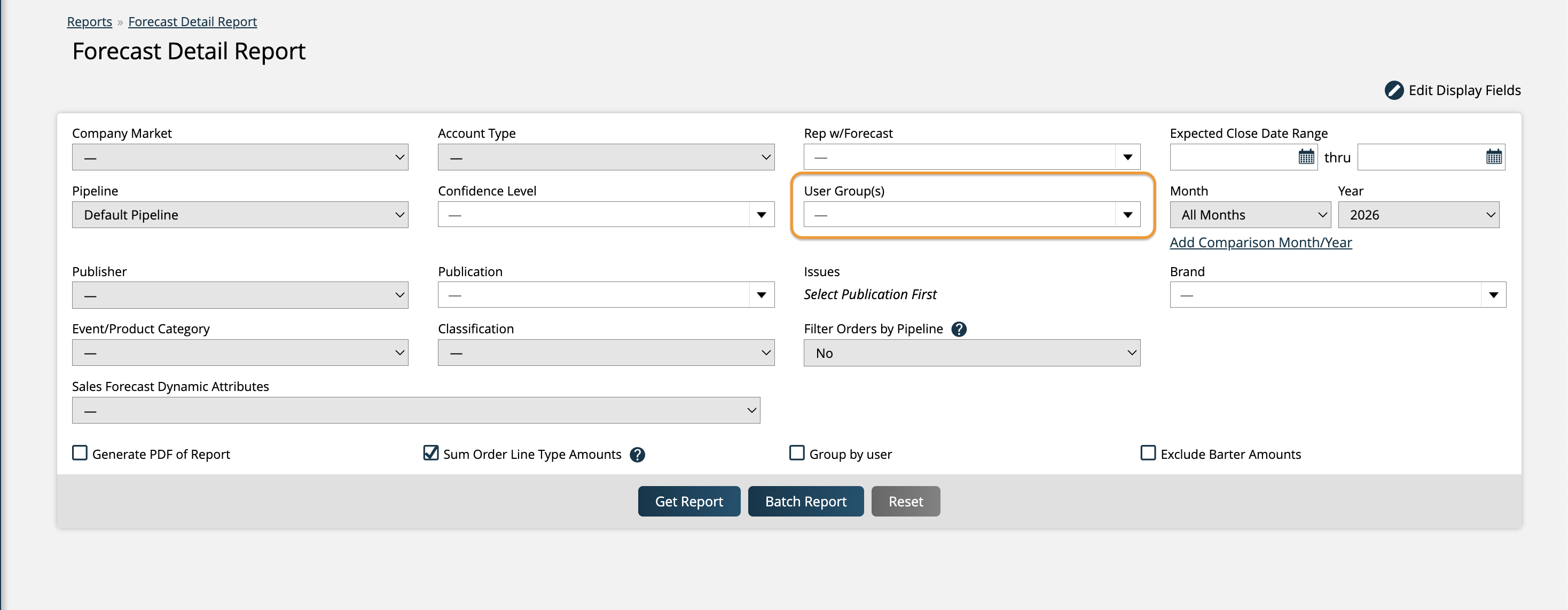
On many reports and searches throughout Ad Orbit, in addition to the normal User filter, there is a User Groups filter. When a User Group is selected, the report will find results for all users in the group.
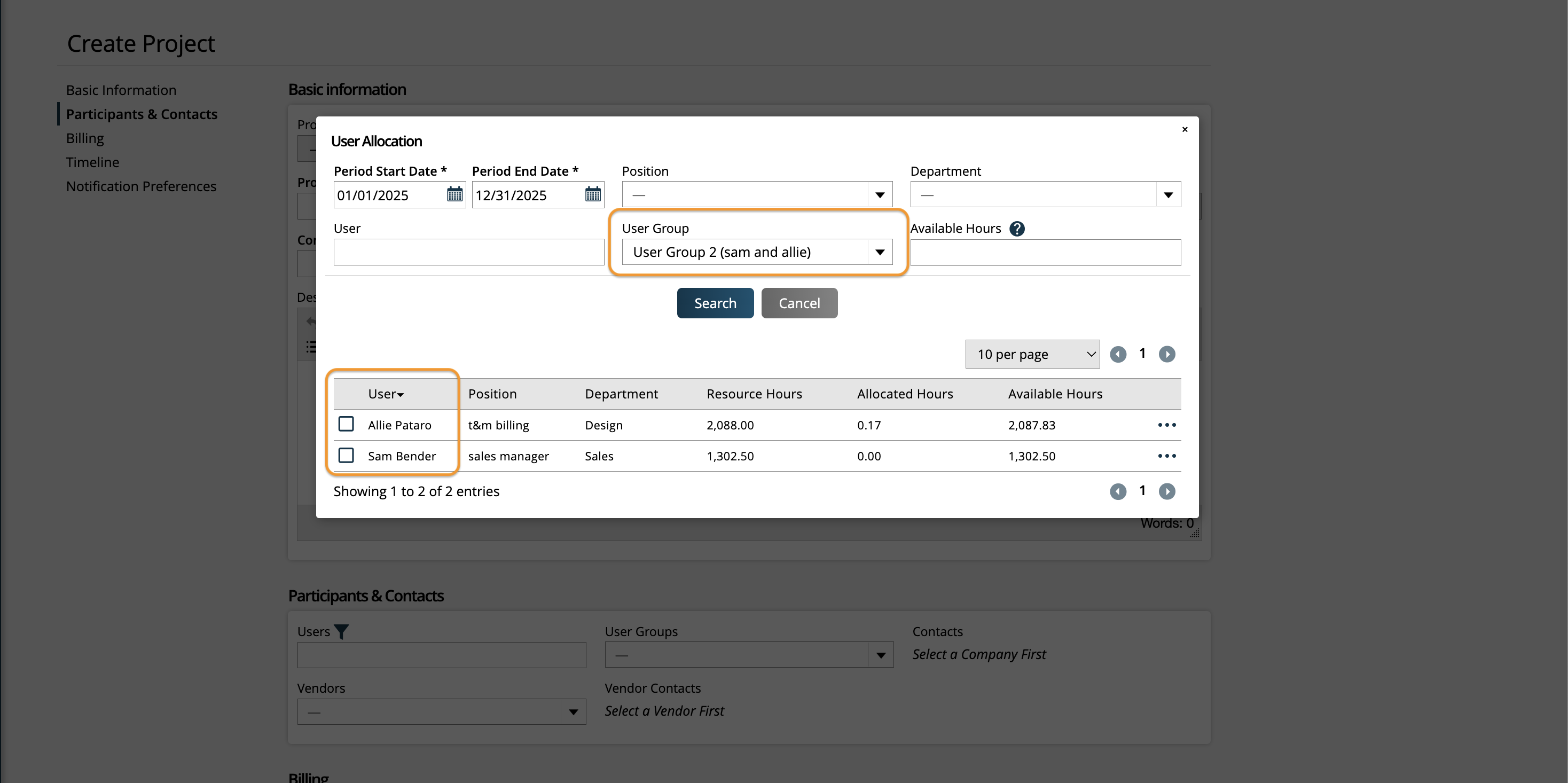
User Groups can also be utilized other locations in Ad Orbit, such as adding users to projects or sending notifications to User Groups via automation workflows.
New 12/20/2025