Creating a New User
To create a new user in the system, go to the menu and select Settings > Users > User Setup and click on + Add a User in the top right corner of the page. The minimum requirements to create a new user are an email address, first name, last name, and time zone. Below, we will go over each section and what each field means to the user and the system.
All users require an Email, First Name and Last Name. You will also be able to generate a new password and share it with the user from the page.
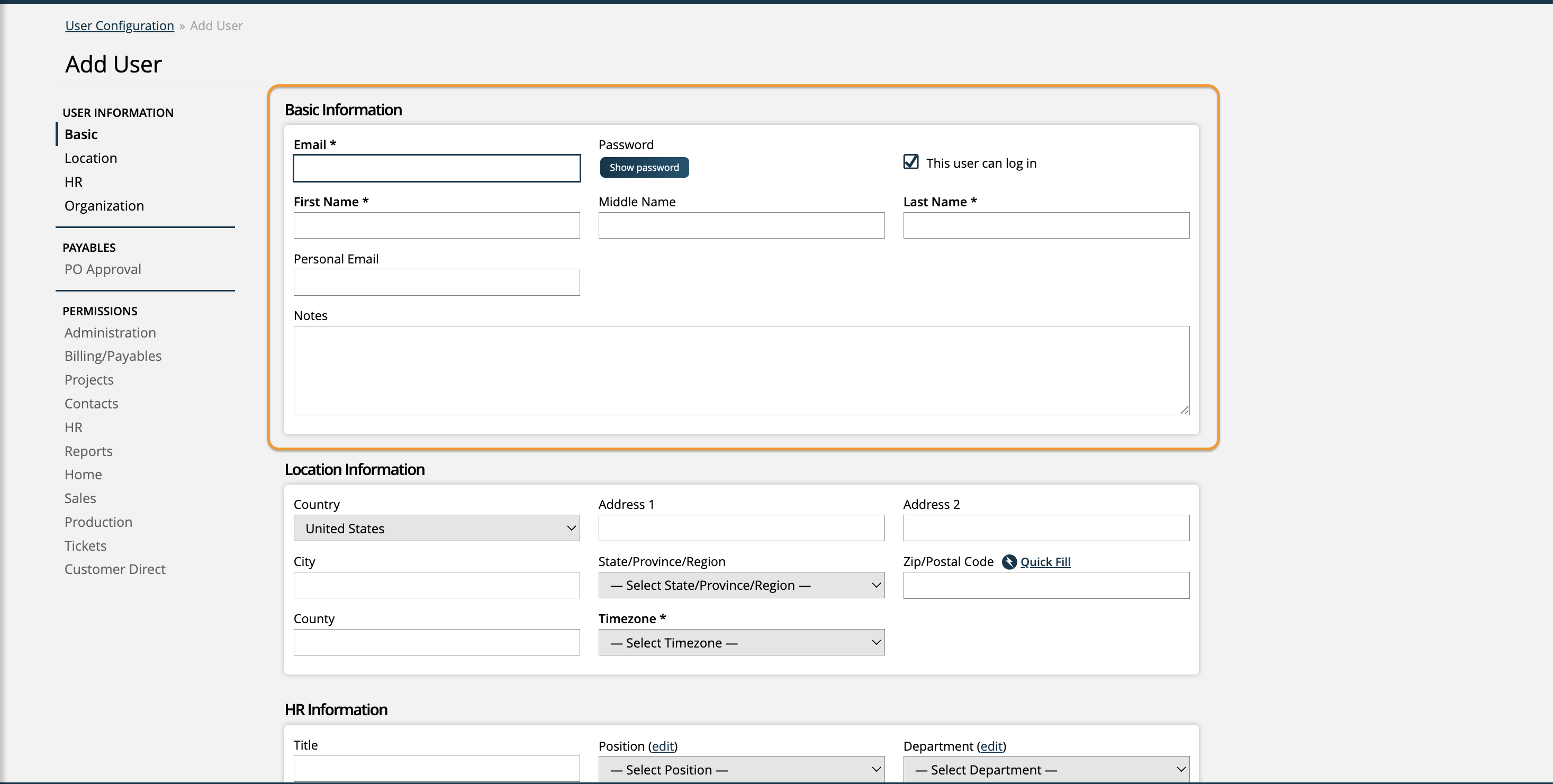
You can create your users but not allow them to login quite yet by un-checking the 'The user can log in' option. This is also a good option if you have to terminate an employee or they leave. While the user can't login, you can still filter by them on some reports.
Tip
The personal email field is useful to send a new user an email with their login information, in the case their work email isn't quite set up yet.
The 'Enable Automatic Offer Creation' checkbox is only available if the Offers module is enabled in your site. When checked, it allows the system to automatically generate personalized sales offers for this rep based on sales history and client relationships.
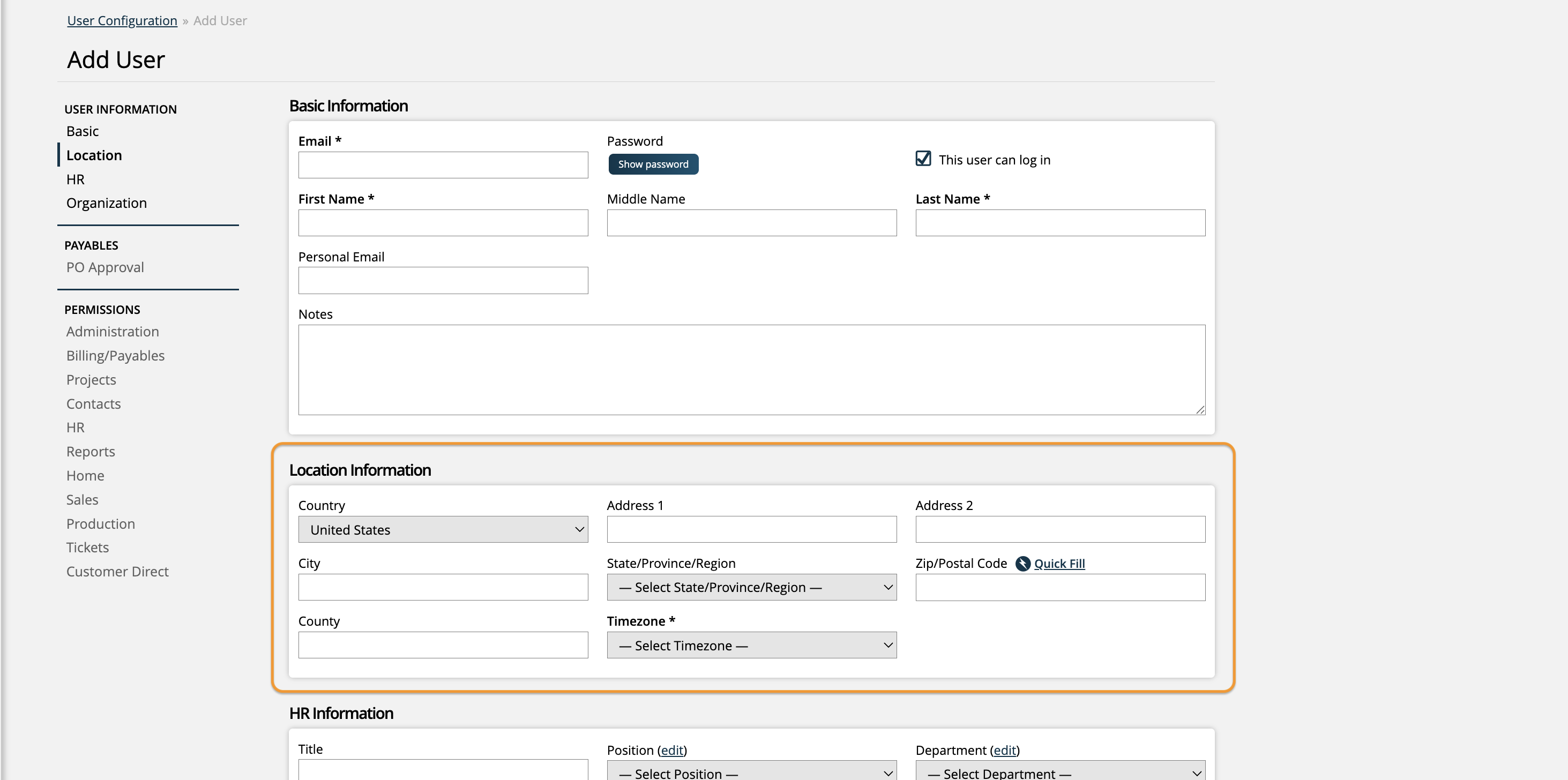
Your users must have a time zone to track when their actions are performed in the system. Otherwise, the address information is used for your reference.
Human Resources information isn't required to use the system. You should fill out this information if you plan to use the HR module and Project Billing.
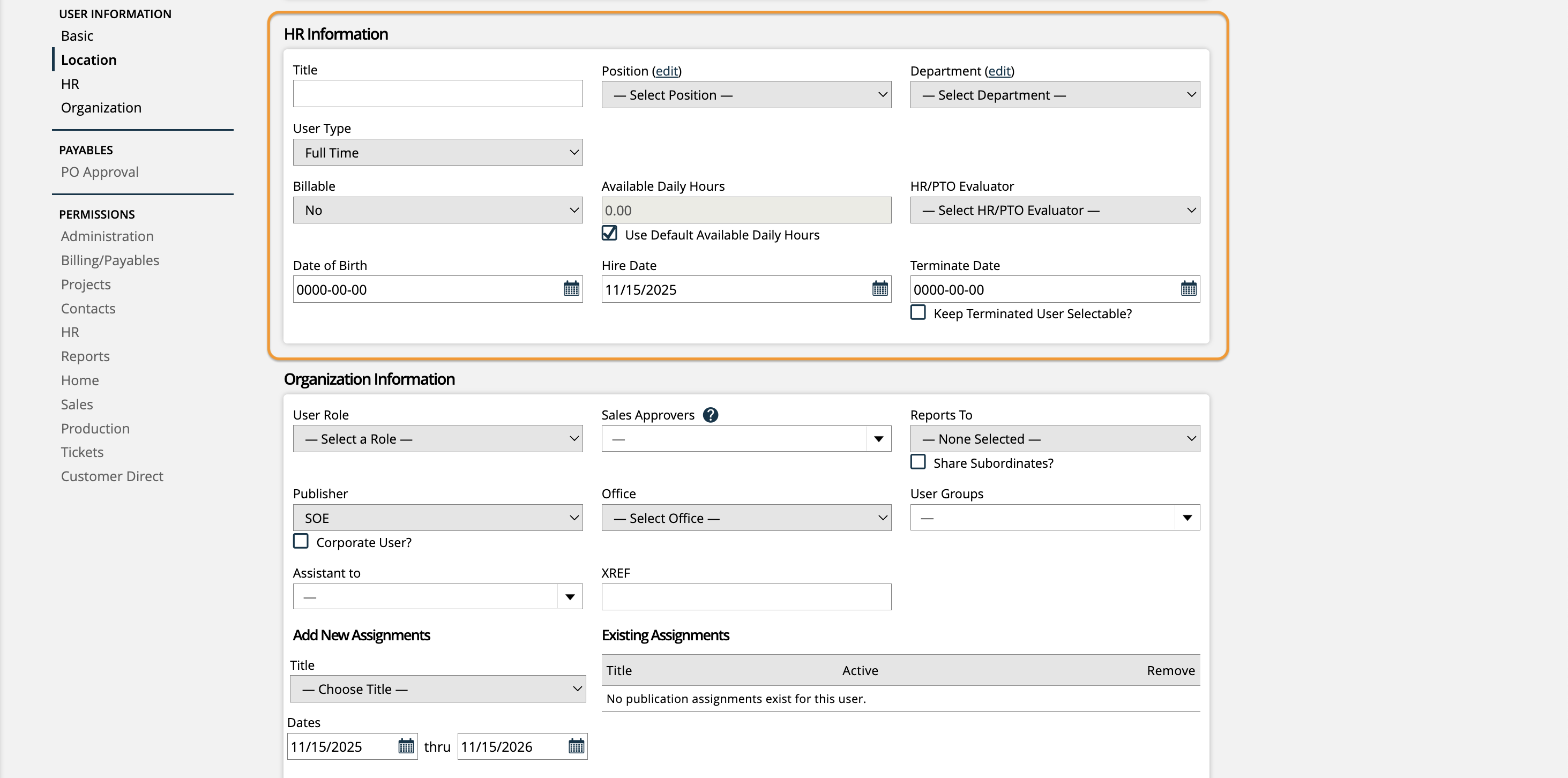
For more information about the HR module, click here.
You can also reference our help center documents on #UUID-41852834-e06f-064e-0a67-bbe4be0d07aaPositions and Departments for more information about those fields.
The organization section is used to streamline the assignment of permissions and access to certain areas of the system. The section is particularly helpful for larger organizations that need to segment data and create approval processes in the system for departments.

Related Articles
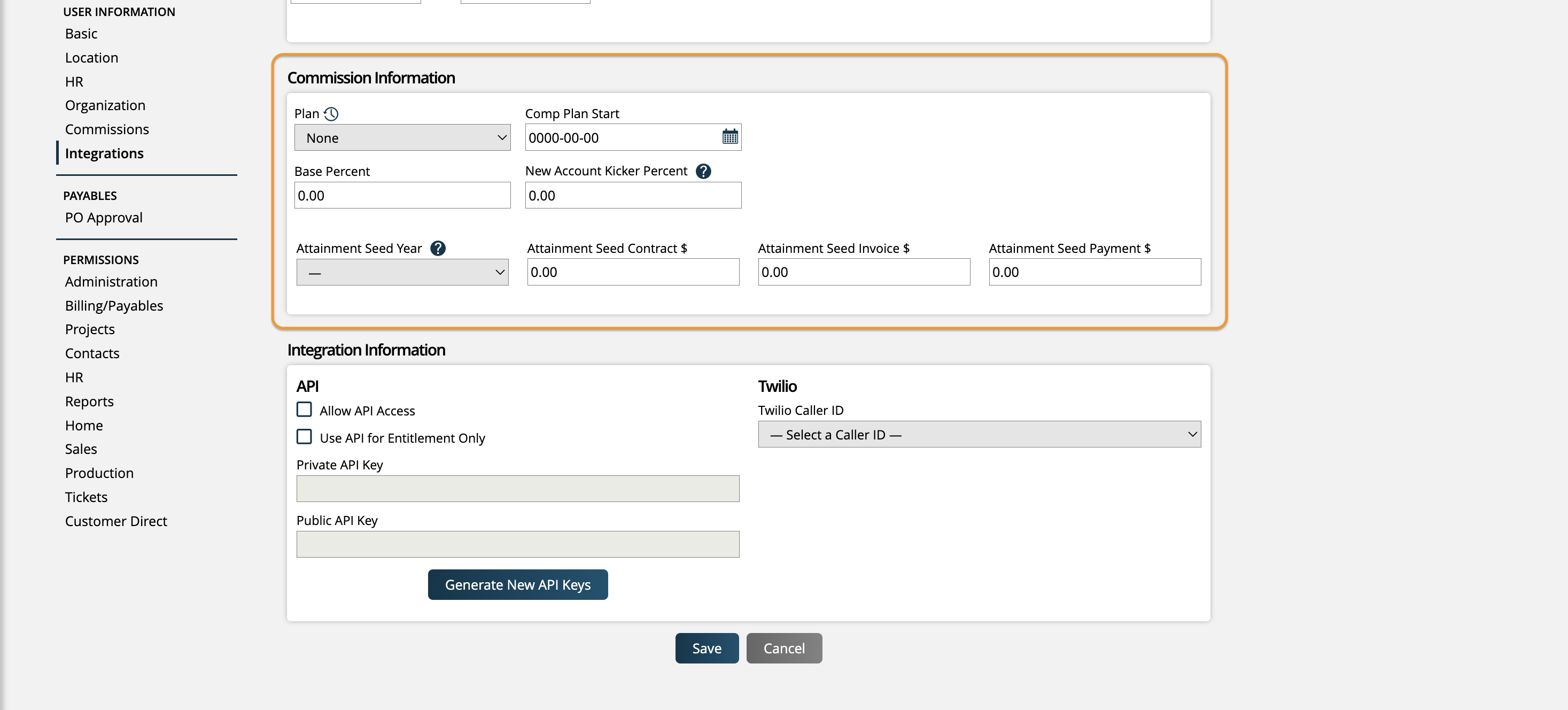
After you create the user, the Commission section will appear. From here you can assign a Commission model and plan to the user. Only users with a commission plan can be assigned to line item splits and receive commission calculations in the system.
Related Articles
You only need to add this for accounts you want to use to connect to our APIs. This is normally reserved for an administrator or a user set up just to track API changes.

Related Articles
After the user is created, you will be able to access an entirely new section of the User Add/Edit page for their Permissions. Permissions determine what users are able to see and do within Ad Orbit. For detailed information about User Permissions and what they do, check out our Permissions section of the help center.

Once your user is created, they will be visible on the User Setup search page. You can interact with existing users by clicking on the ellipses icon on the right side of the table, or by clicking on the user's name.

Updated 2/6/2026