Company Types
Company types can help keep your company database organized. You can have as many types you want. The system has two default types that can't be edited: Advertiser and Agency. Advertiser is hard-coded as the system default company type. This means unless otherwise specified, when you create a new company in Ad Orbit, it will set set up as an Advertiser. The other default type, Agency, has a special function. Agencies can be tied to other companies so bills and notifications go to the Agency and not the order company. However, Agencies can't have an order placed on their record. For more information about Agencies, click here.
You can add new Company Types under Settings > Contacts > Company Types. To access this page, you need the User Permission 'Company Setup'.
Click on +Add Company Type to create a new type. Add a name and choose whether or not to allow sales to the company type.
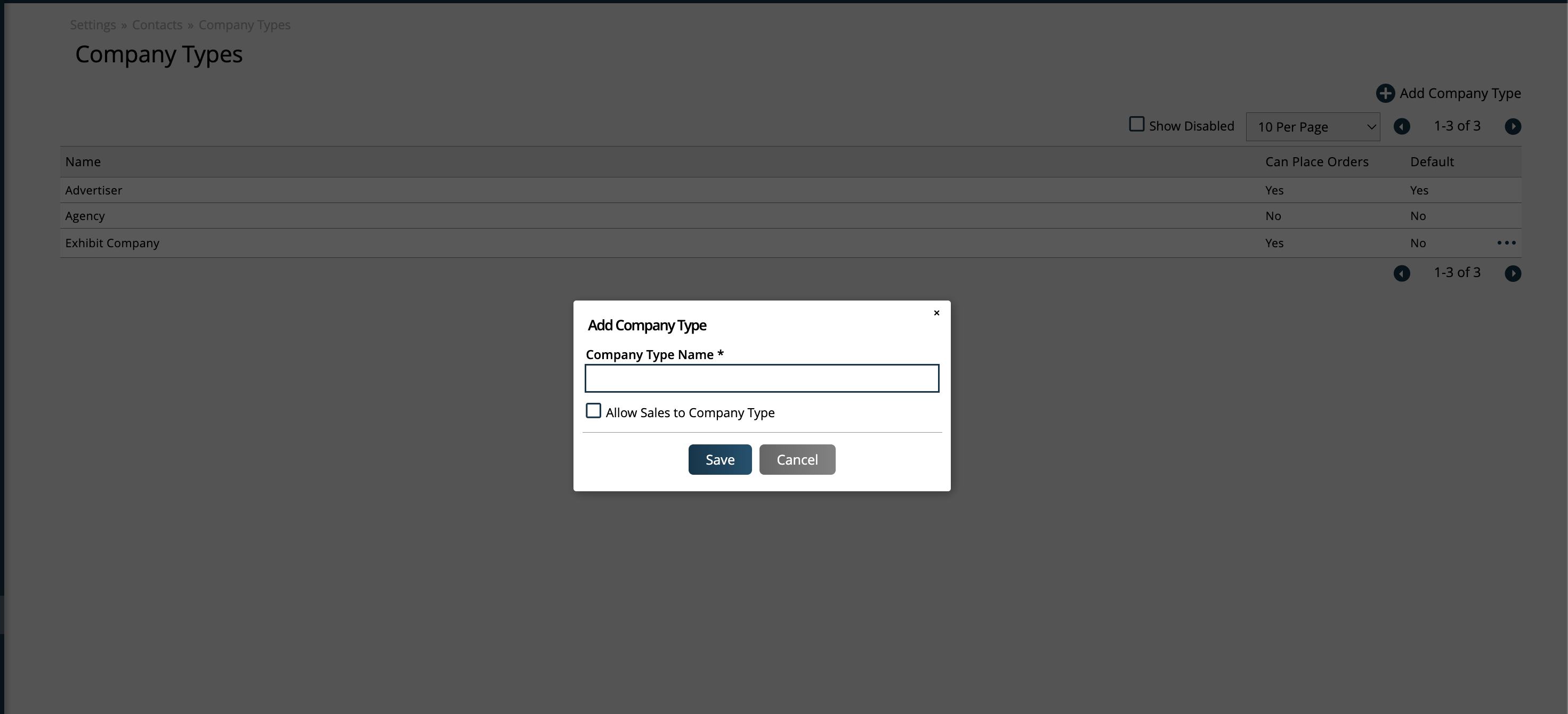
If 'Allow Sales to Company Type' is checked, you can place orders for the company type. If unchecked, you cannot create orders for companies set to that type.
For any Company Types you created, you can also click the ellipses icon to edit the type, disable, or re-enable it as needed.
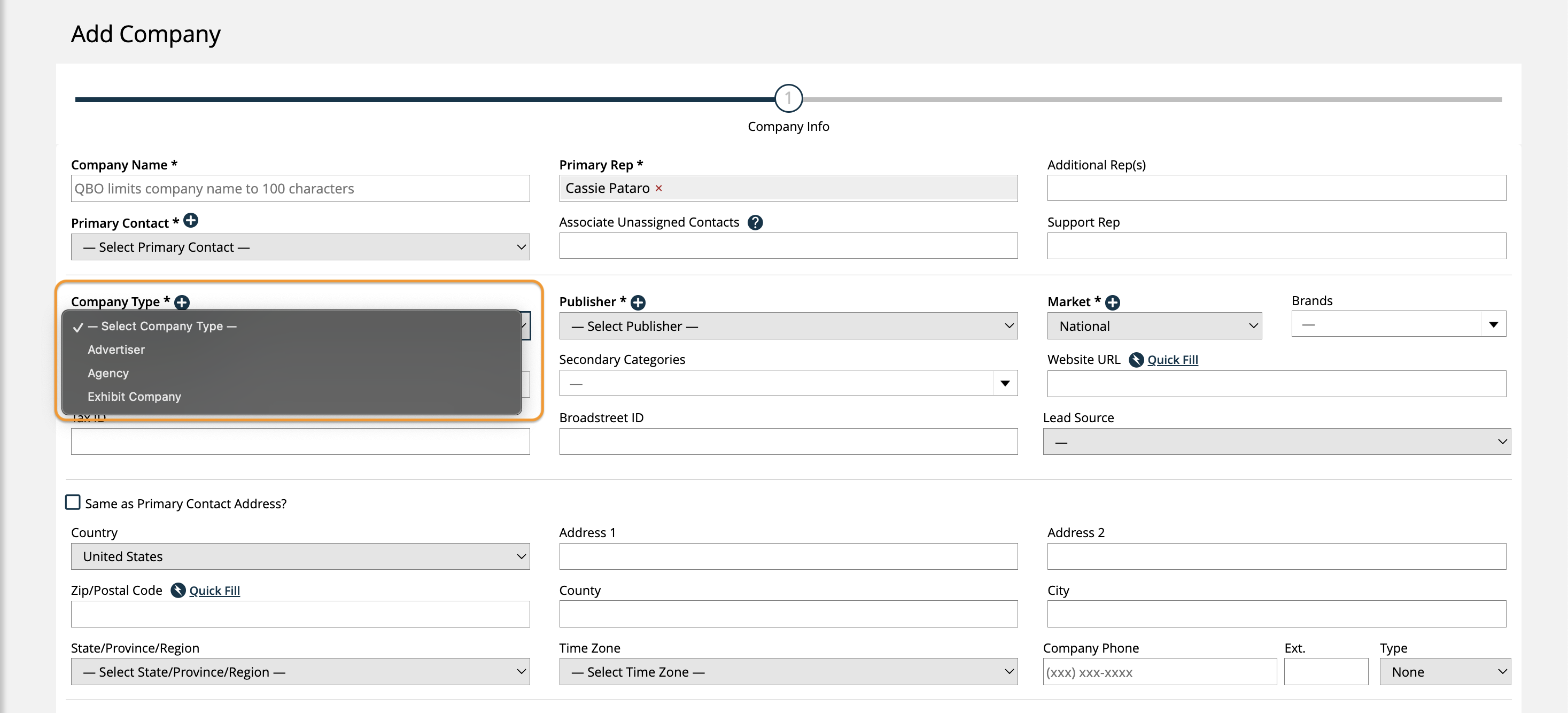
When creating or editing companies, you can choose from any of your active types.
New 2/14/2026