Subscriber Types
Each Subscriber has a type you can assign for the purposes of filtering and determining if they should be taxed or not. The system comes with default settings, but you can add your own or modify the system items.
To create or manage Subscriber Types, go to Settings > Contacts > Subscriber Types.. To access this page, you need the administrative User Permission 'Subscriber Types'.
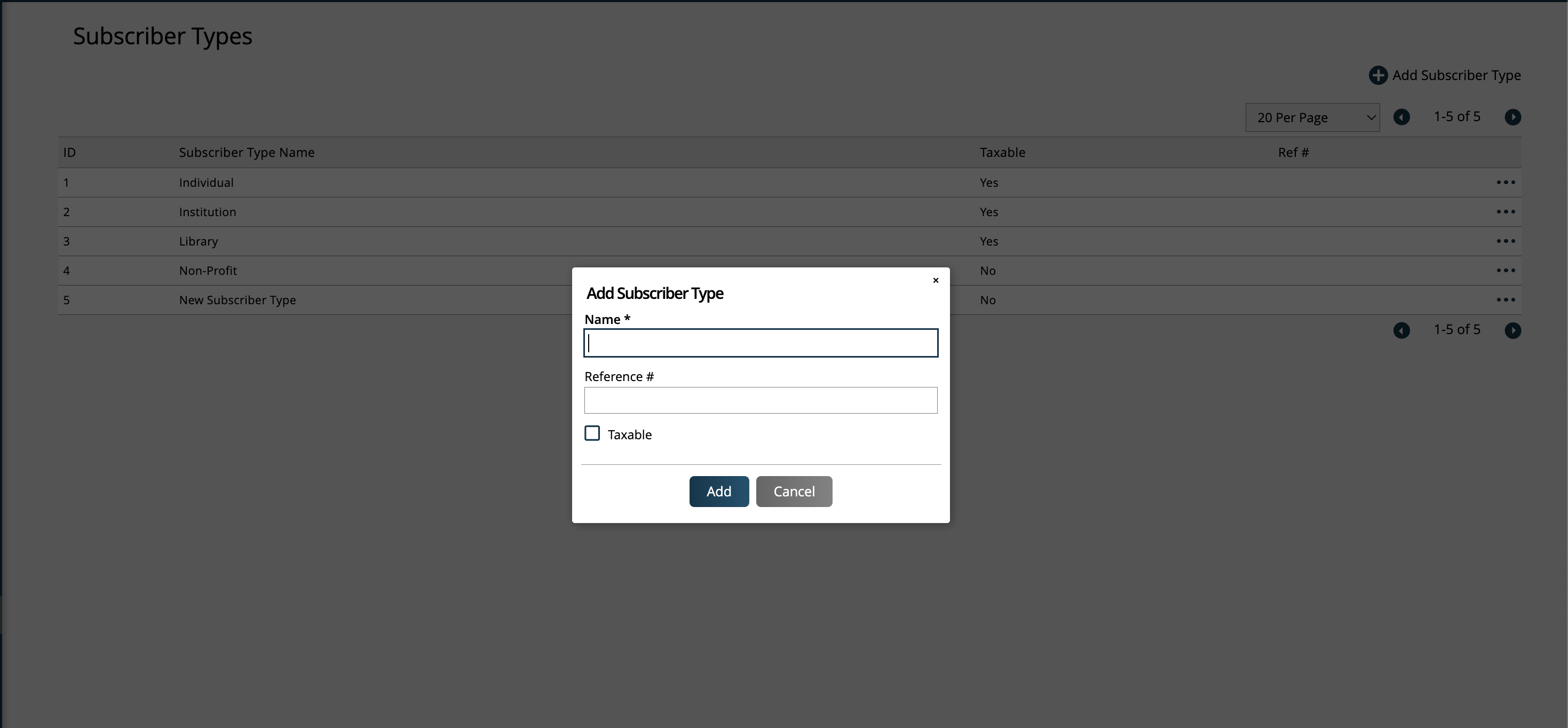
Click the +Add Subscriber Type button to create a new type. Or, use the ellipses icon to edit an existing Subscriber Type.
For each Type you can set a reference number, as well as specify if Subscribers of that type should be taxable or not.
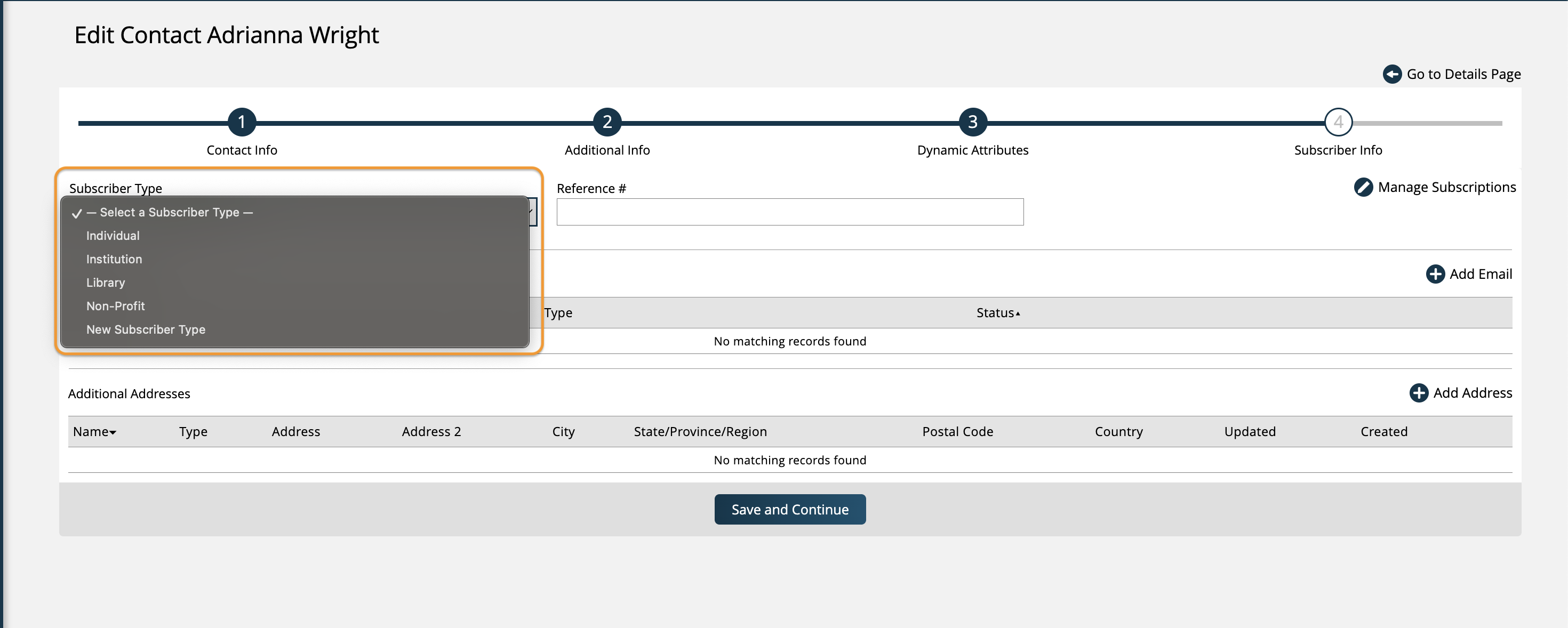
On the Subscriber Info edit page that can be accessed when adding or editing a Subscriber, you can assign a Subscriber Type from the ones you've created.
These Types can also be used as a filter on the Subscription and Subscriber search pages.
New 2/28/2026