Lost Sales Reasons
Lost opportunities and orders can be tracked within Ad Orbit. You can create custom 'reasons' that can be used when deleting items.
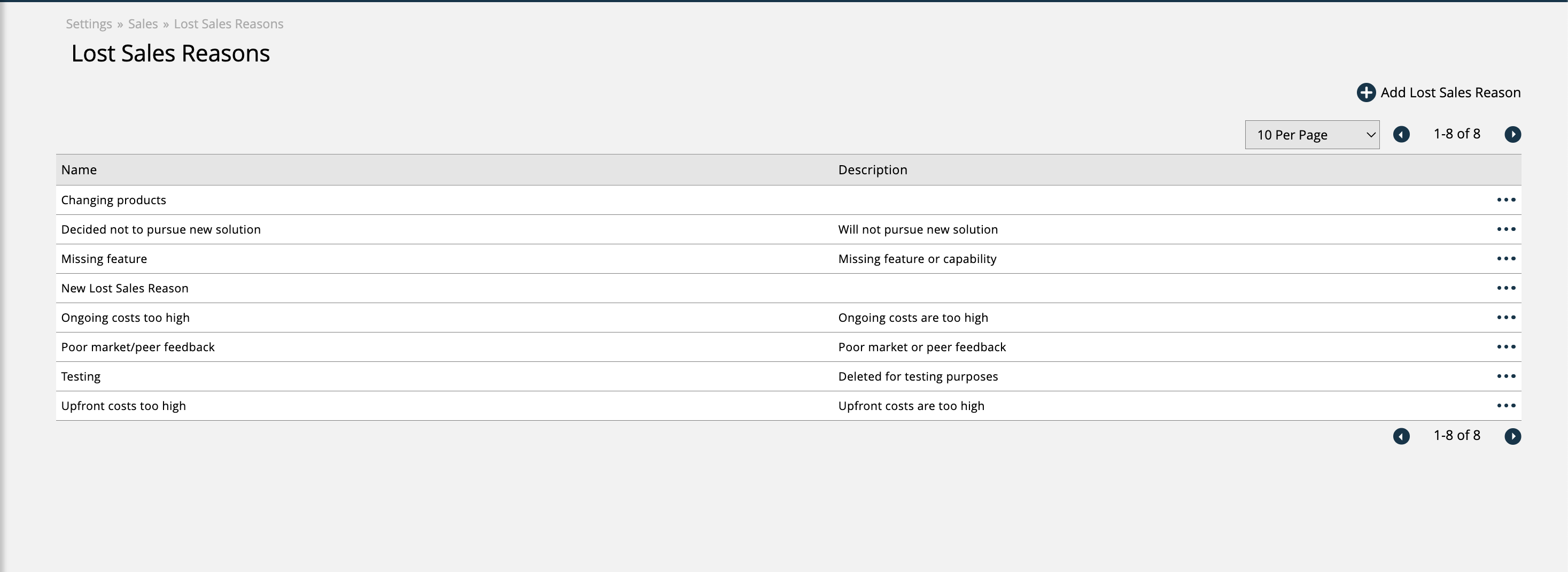
To create and manage your Lost Sales Reasons, go to Settings > Sales > Lost Sales Reasons. To access this page, you need the User Permission 'Lost (Deleted or Cancelled) Order Reasons'.
Here, you can add new reasons, or edit or disable existing reasons. Each reason only requires a name, but you can also enter a description.
Then, when a user deletes an item such as an order, they can select from this pre-defined list of reasons as to why they are deleting the item.
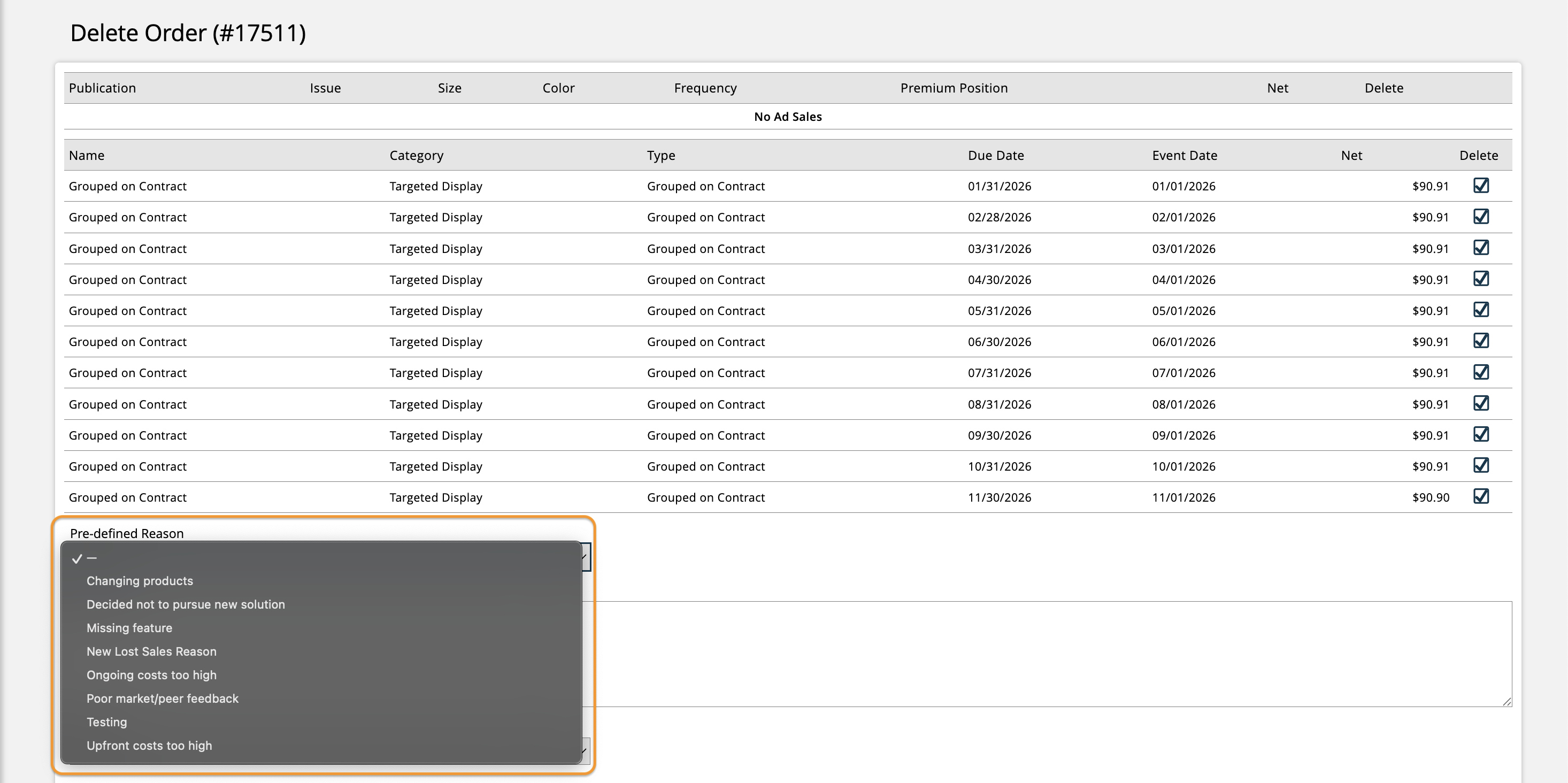
Depending on how your Provide Lost Sales Reason system configuration is set up, users may be required to select one of these reasons when deleting an item, or the reason field may be optional.
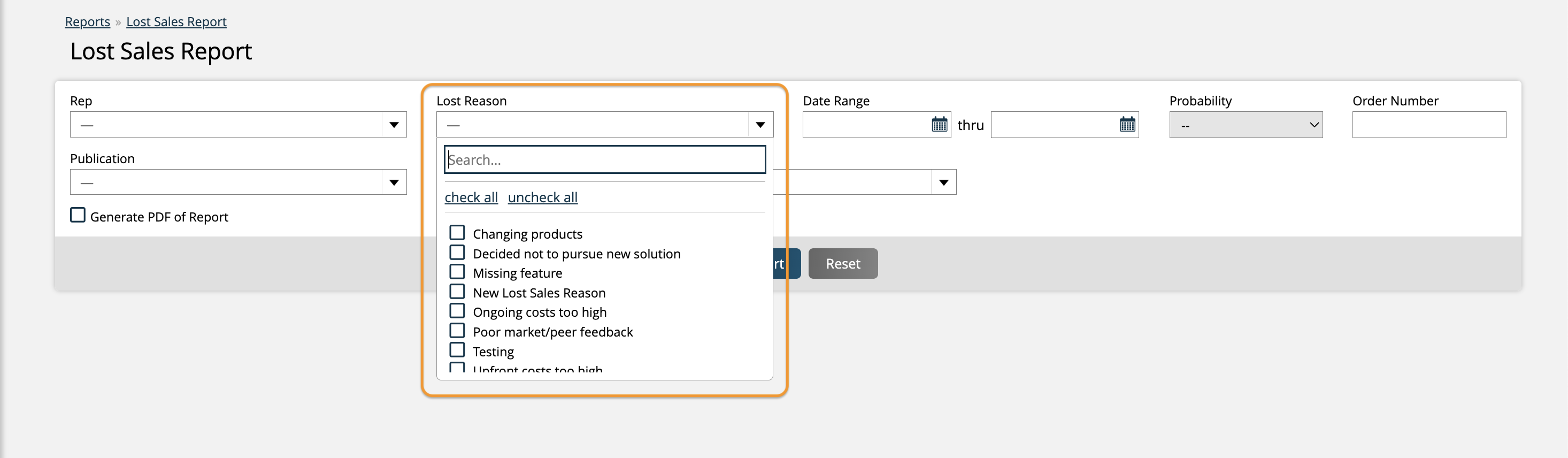
These reasons can also be used to filter the Lost Sales Report.
For more information about managing lost sales, click here.
New 12/26/2025