Suffixes, Salutations, Races, Genders, and Ethnicities
Within the Contact setup section of Ad Orbit, you'll notice pages for Suffixes, Salutations, Genders, Race and Ethnicities. Each of these setup items are completely optional, but can help you to further customize information for your contacts.
To access each of these setup pages, you need the 'Contact Setup' User Permission. Then, go to Settings > Contacts > then select whichever page you are hoping to set up.
Once on the desired setup page, you can manage existing items or create new ones. Below, we will use the Suffixes page as an example. However, you can follow the same steps to manage your Salutations, Genders, and Race and Ethnicities.
Once on the setup page, you can click the +Add Suffix button in the upper right corner of the page to create a new Suffix, or click the ellipses icon in the table to edit an existing Suffix.
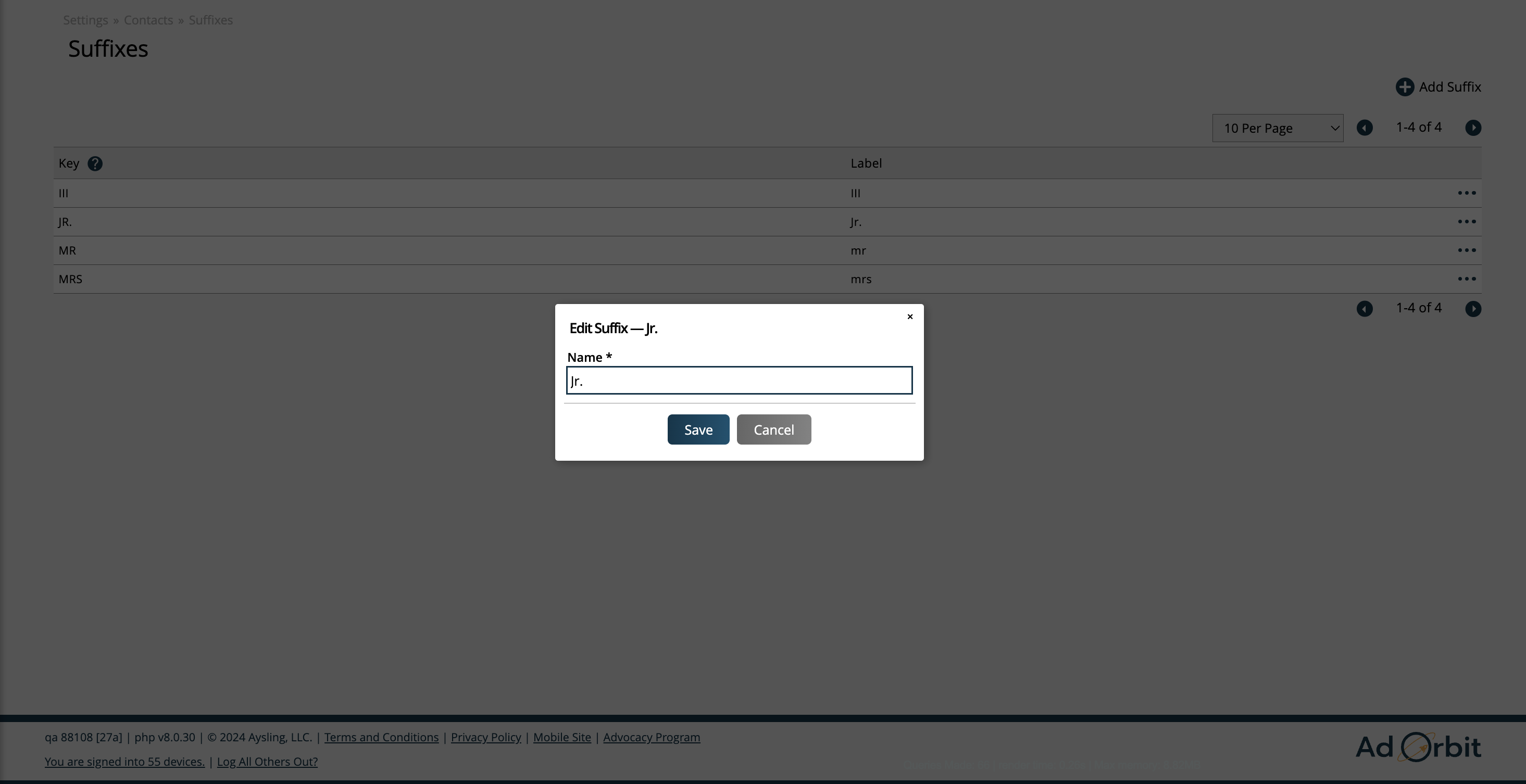
In the add/edit popup, give your Suffix a name, and click save.
If there are any items in the table without an ellipses icon, it means it is a system-default that cannot be edited.
You can also disable and re-enable Suffixes as needed.
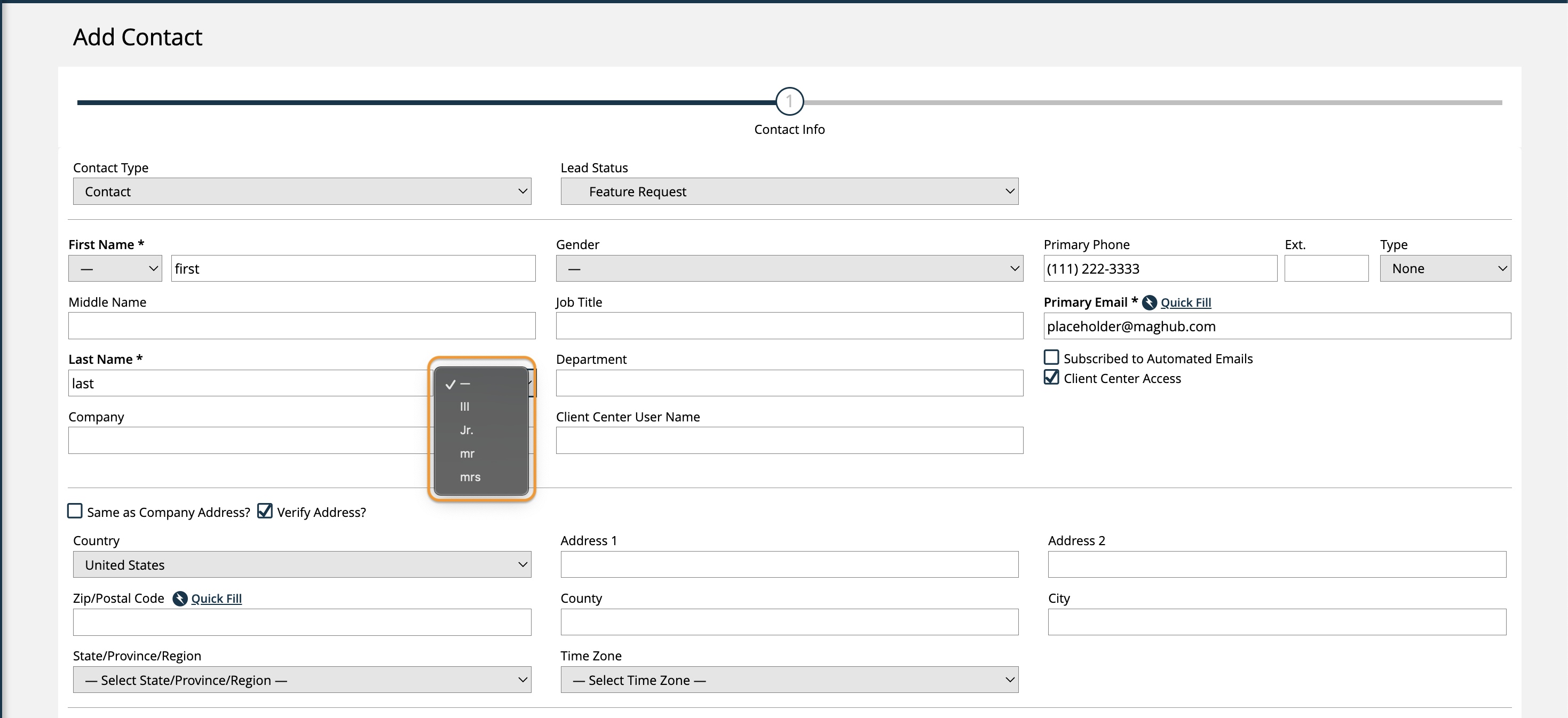
Once set up, you can select your Suffixes when creating or editing contacts.
New 2/14/2026